Workstation WSL Proxy (WSLProxy) is Workstation’s API gateway and CDN edge control plane. This technical brief focuses on the Web Application Firewall that runs on that edge: live policy packs, first-class inspection stages, governed signatures, monitor/block bindings, and explainable 403 responses with support IDs. Product site: wslproxy.org · WAF page: wslproxy.org/waf · Companion: blog · Overview: /wsl-proxy.
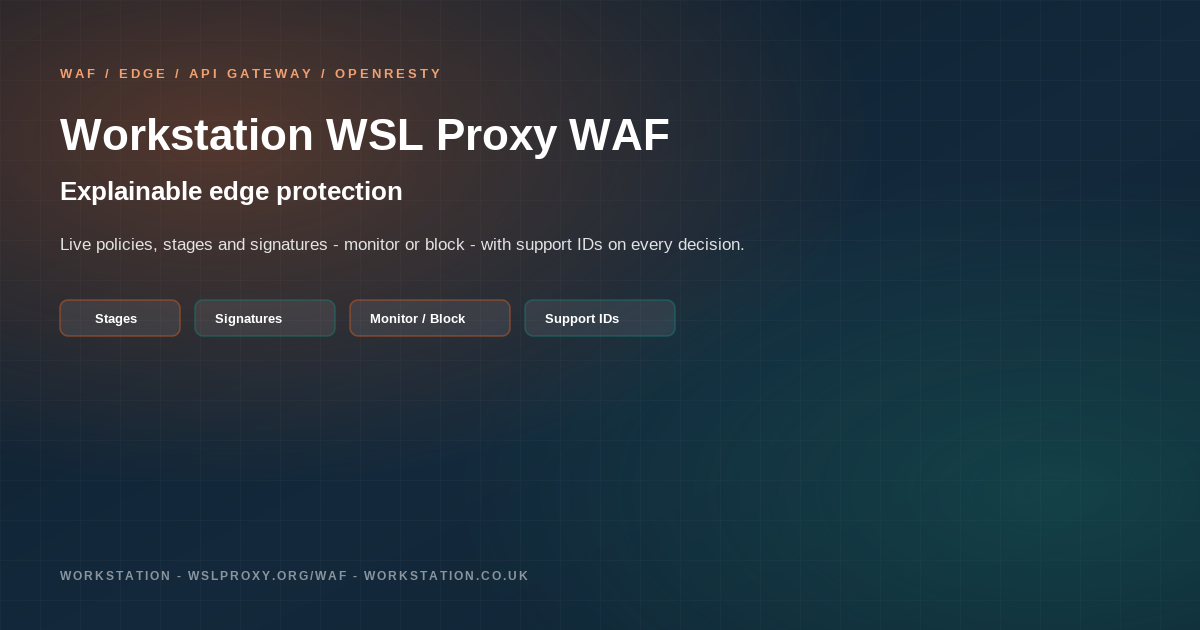
Watch: WSL Proxy WAF tour
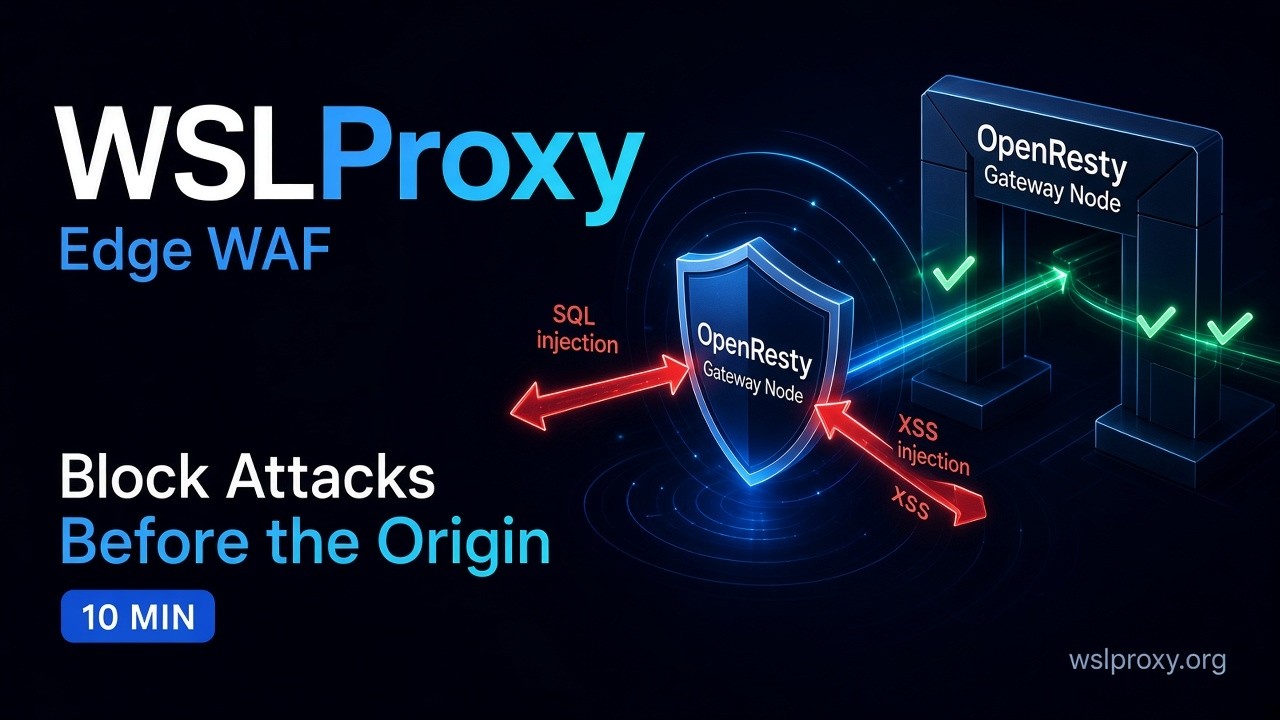
Watch: youtu.be/r10XSonA5JE · Product: wslproxy.org · WAF: wslproxy.org/waf
- What: OpenResty WAF engine v2 on the gateway pipeline after rate limit — stages, then signatures, then anomaly score.
- Modes: blocking or transparent (monitor/alarm), resolved by route → server override → policy default.
- Explain: 403 with
X-WAF-Block,X-WAF-Rule,X-WAF-Violation,X-Support-ID. - Ops: Admin UI, Swagger, MCP tools,
wslproxy-cliforwaf_rules/waf_policies. - Default safety: fail-open on engine/stage errors so a WAF bug cannot take the site down.
1. Positioning: gateway, CDN, and WAF on one edge
Workstation WSL Proxy is a dynamic API gateway and reverse proxy on OpenResty. Operators manage virtual hosts, routing rules, WAF policies, cache, traffic splits, and edge POPs from an Admin UI, REST API, MCP tools, or the wslproxy-cli. Day-to-day rules take effect on the hot path; nginx reloads only when server-level listen or SSL blocks change.
That matters for WAF because security policy must move at the same cadence as routing. A separate appliance that only updates on change windows creates a gap attackers exploit and operators resent. Putting WAF in the same live-config control plane as reverse-proxy (305), redirects, HTML interstitials, and CAPTCHA challenges keeps one audit surface for “what happened to this request?”
The product page positions WSLProxy as API gateway, CDN, and enterprise WAF together. Cache and multi-POP DNS are sibling capabilities; this article stays on the request-path security story and only mentions CDN where it clarifies the shared POP model.
2. Request-path architecture
Like a solutions playbook: match once, decide per request, then proxy or protect.
- Request arrives at a POP — browsers, APIs, and agents hit Docker, Ansible, or k3s Helm edges. OpenResty accepts TLS and enters the Lua hot path.
- Match a routing rule —
gateway_ack.lualoads the virtual host and evaluates live rules (path, IP, country, JWT, S3, cookie, and more). Priority and specificity pick the winner without an nginx reload. - Pipeline: rate limit → WAF → respond —
gateway_pipeline.execute()runs rate limits, thenwaf_engine.inspect(), thengateway_resp.luaapplies the response action and balancer timeouts. - Decide the outcome — typical outcomes: 305 reverse-proxy, 301/302 redirect, static HTML block, CAPTCHA challenge, or 403 WAF block with support ID headers.
- Balance and observe — for proxy responses, balancer applies weighted, RR, canary, sticky, or least-conn. Health, metrics, and traffic stats feed ops.
Inside waf_engine.inspect the implementation order is: load policy (with a short TTL cache), resolve effective mode and winning binding, run the stage pipeline, then governed signature matching. Findings either alarm (monitor) or block according to the effective enforcement mode — stages themselves stay pure; the engine decides block versus alarm so the same rule set can behave differently per binding without duplication.
rewrite_by_lua: gateway_ack.lua selects routing rule
        │
        ▼
gateway_pipeline.execute()
  rate-limit → waf_engine.inspect → continue
        │
        ▼
load policy → resolve binding → stages → signatures
        │
        ▼ (on block)
403 + X-WAF-Block + X-WAF-Rule + X-WAF-Violation + X-Support-ID
3. Policies, bindings, and enforcement modes
A WAF policy pack binds to a virtual host. Operators can override mode per server or by longest-prefix route. Logical service labels can ride in log lines so SIEM queries group findings by application, not only by hostname.
Binding precedence (most specific wins):
- Route override
- Per-server
waf_mode_override - Policy default
enforcementMode
| Mode | Behaviour |
|---|---|
| Blocking | Violations return 403 with support ID and optional branded block page. |
| Transparent / monitor | Violations alarm and log only — ideal for dry-run and staging. |
Every finding records which binding won so logs answer “why was this blocked?” without guessing. That explainability is a first-class design goal on the public WAF page: operators should be able to name the policy, binding, stage, signature, and support ID for any decision.
4. Stage pipeline (before signatures)
After rule match and rate limit, first-class stages run before signature matching. Each stage maps to a stable violation code.
| Code | Stage | What it enforces |
|---|---|---|
VIOL_METHOD | Method allow-list | Only permitted HTTP methods (for example GET, POST, HEAD, OPTIONS). |
VIOL_FILETYPE | Filetype deny | Block sensitive extensions such as .env, .sql, .bak, .git, .pem. |
VIOL_SMUGGLING | HTTP smuggling / desync | CL+TE coexistence, duplicate or obfuscated Transfer-Encoding, malformed Content-Length, plus related body checks. |
VIOL_IP_DENY / VIOL_GEO | IP lists & geo | Allow/deny CIDRs and deny countries via IP2Location-style DB. |
VIOL_JWT_ALG | JWT algorithm policy | Deny weak algorithms (including none); require stronger algs such as RS256/ES256 where needed. |
VIOL_JSON_SIZE / DEPTH | JSON body profile | Cap JSON depth and body size before the request reaches the origin. |
VIOL_BRUTE_FORCE | Brute-force velocity | Per-path sliding windows (for example /api/login) keyed by IP. |
VIOL_OPENAPI_* | OpenAPI positive security | Allow only declared path+method surfaces (templated paths). |
Positive security (OpenAPI path+method allow-lists) complements negative signatures: unknown surface never reaches the backend when the policy is wired that way. JSON profiles stop parser abuse before signature regex work spends cycles on oversized bodies.
5. Signature rules and governance
Each signature has a stable ID (the addressable unit), category/set, severity, match target (url, args, body, headers, cookies, user_agent, or all), regex or string pattern, action (block or monitor), and anomaly score. Rules live under data/waf_rules/, are editable in Admin UI, seedable via API, and pullable with wslproxy-cli.
Shipped attack categories on the public WAF page include SQLi, XSS, command injection, LFI / path traversal, SSRF, SSTI, XXE, NoSQL injection, Log4Shell, Spring4Shell, JWT none, GraphQL introspection, open redirect, prototype pollution, mass assignment, HTTP smuggling, scanner user-agents, and protocol abuse. Treat that list as the product’s published coverage set — not as a claim of perfect detection.
Governance controls:
- disable — skip a rule entirely by ID.
- stage — alarm only until a timestamp; staged rules never contribute to anomaly score while staged.
- signature sets — toggle whole sets (for example
SET_SQLI,SET_XSS) between block and alarm without rewriting every rule. - anomaly threshold — cumulative score ≥ threshold raises
VIOL_ANOMALY_SCOREeven if no single signature alone would block.
That model is how you roll out safely: stage noisy signatures, soak in monitor, then enable sets on high-value routes first.
6. Layered controls beyond the WAF engine
Security on WSLProxy is not only signatures. Routing rules and gateway pipeline features close gaps attackers use when they never hit a classic SQLi pattern.
- Per-server rate limiting — shared-dict limits with requests-per-second and burst, applied before expensive origin work.
- CAPTCHA challenge (306) — rule status
306serves Turnstile or reCAPTCHA until a signed cookie proves the client cleared the challenge, then continues as a normal proxy (305). - Rule-level auth matches — JWT validation, Amazon S3 signing checks, and cookie key-value gates on the rule matcher deny before the backend sees the request.
- Geo & IP rule match — independent of WAF geo stages: route or block by country and client CIDR with equals / not-equals keys on live rules.
Defence in depth here means the WAF engine is one layer inside a POP that already decides routing, challenges, and rate limits. Designing policies without those siblings usually recreates the “regex-only WAF” failure mode.
7. Explainability and observability
On block, responses include:
X-WAF-BlockX-WAF-RuleX-WAF-ViolationX-Support-ID
Structured wafsec JSON logs, Prometheus counters (including blocked/monitored and latency styles described on the product WAF page), and a recent events API give SRE and security the same correlation ID path. Admin UI forms cover WAF Policies and WAF Rules for v2 fields — bind to servers, override mode, review events.
When a customer or internal user pastes a support ID into a ticket, the correct next step is to look up that ID in events/logs, not to guess which ModSecurity rule fired on another system.
8. Control plane: humans and agents
Four surfaces drive the same config:
- Admin UI (React Admin / Next.js) for day-to-day binds and reviews.
- Swagger REST for automation and CI.
- MCP tools so Claude, Cursor, and similar agents can configure rules and inspect the edge without leaving the IDE.
wslproxy-cli(ghcr.io/bwalia/wslproxy-cli) for pull/push/diff/verify workflows onwaf_rulesandwaf_policies.
CI validation in the upstream project uses tools/waf_validate.py and a waf-validate workflow for Lua syntax, JSON Schema policies, and signature referential integrity. Prefer that path over hand-editing production JSON on a live POP.
MCP management of WSLProxy itself is available today. Separate product roadmap items — MCP Gateway (governed front door in front of external MCP servers) and Agents Gateway (policy/routing/observability for multi-agent traffic) — are labelled in progress on the Workstation product page. Do not treat them as released WAF stages.
9. Recommended rollout practice
- Bind a policy in monitor on a staging POP or a low-risk path override.
- Seed / pull signatures via API, Admin UI, or CLI; leave aggressive sets staged or in alarm.
- Exercise fixtures against your own staging origins (demo packs in the upstream repo exist for golden checks where you run them).
- Read events and
wafseclogs; tune disables and stages for false positives before any block flip. - Promote route by route — payment and auth paths first if that matches your risk model; keep marketing static paths looser if needed.
- Enable anomaly threshold only after you understand typical score distributions in monitor.
- Document support ID handling for on-call: how to look up a block, who may disable a signature, and how long staged windows last.
Fail-open is the default for engine and stage errors. That is intentional availability bias: a WAF bug must not take the site down. Parse-error fail-closed on untrusted bodies is a policy direction discussed in engine roadmap material — treat it as future unless your deployed build documents it as live.
10. Honest limits
- Not RASP — protection is at the reverse-proxy edge, not inside application runtimes.
- Not a magic catch-rate claim — published stages and signature categories describe capability, not percentage efficacy.
- Fail-open default — availability wins over fail-closed on engine errors unless you deliberately change policy options where available.
- Roadmap ≠ shipped — Agents Gateway and MCP Gateway integrations remain in progress; deeper profiles (full OpenAPI param/type validation, response data guard, behavioural L7 DoS, and similar items in engine docs) must be labelled future when mentioned.
11. Related reading on Workstation
- Product page: Workstation WSL Proxy
- General product blog/article: API Gateway, CDN & Agent Edge
- Public WAF feature page: wslproxy.org/waf
- Engine v2 deep dive: WAF Engine v2 blog · Inside WAF Engine v2
- Swagger: wslproxy.org/swagger
- Source: github.com/bwalia/wslproxy
12. Closing
Edge WAF earns trust when operators can explain every block, dry-run every change, and ship policy without waiting for a full POP reload. Workstation WSL Proxy puts that workflow on the same OpenResty edge that already routes and caches: stages first, governed signatures second, layered rate limits and CAPTCHA beside the engine, and support IDs on the wire.
Watch the tour video, start in monitor, and promote to block only when your events stream says the policy is ready.
Published by Workstation.
Continue on the product site: https://wslproxy.org/waf/